



Food Theme: How to Customize Your Home Screen with 24 Options for Android
Easy ways to customize your Android home screen with the Food theme! If you find a home screen customization that suits your taste from the many themes available, you can use the popular smartphone customization app +HOME to apply the Food arrangement to your home screen with high-quality wallpapers, icons, clock widgets, and search widgets, all for free.
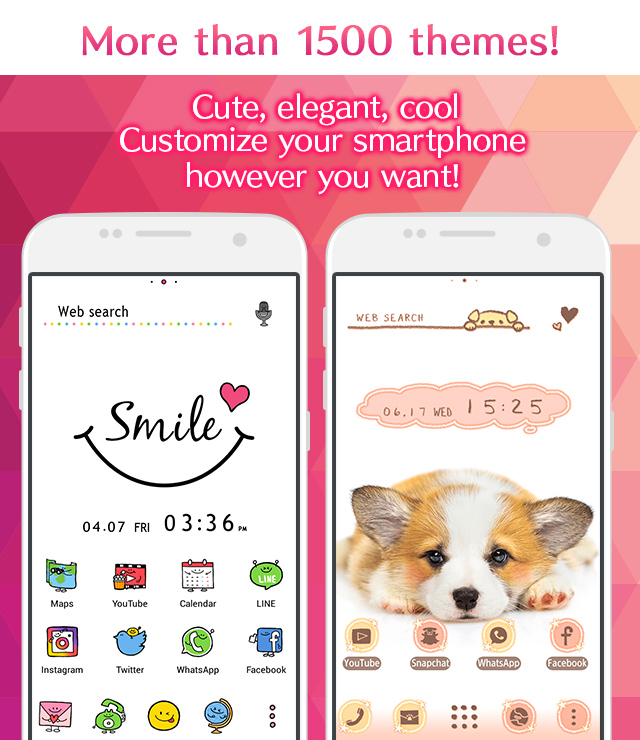
Download +HOME, the App You Need for Food Customization!
c<p>With +HOME, the popular smartphone customization app, you can completely customize your smartphone's home screen to a Food theme for free! Easily set wallpapers, icons, clock widgets, and search widgets!

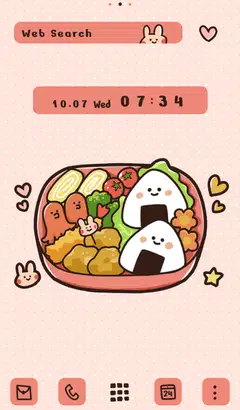
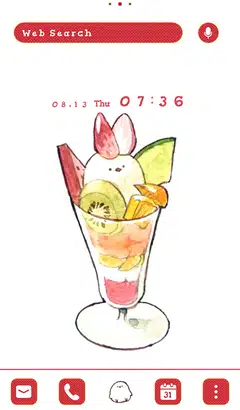
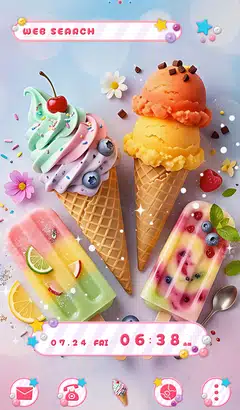
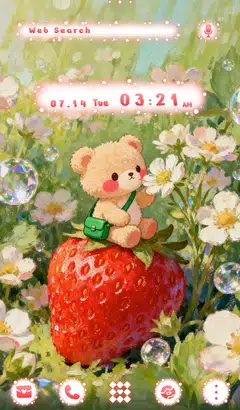
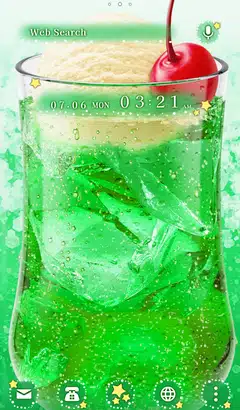
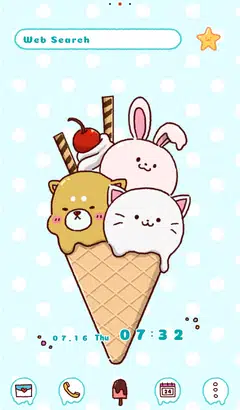
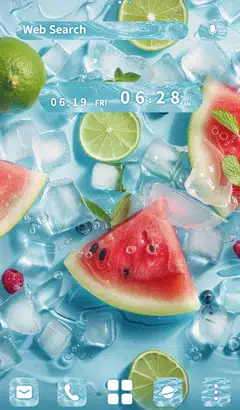
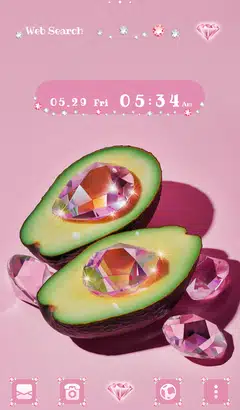

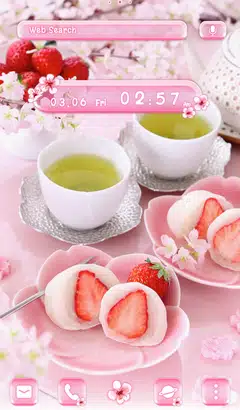

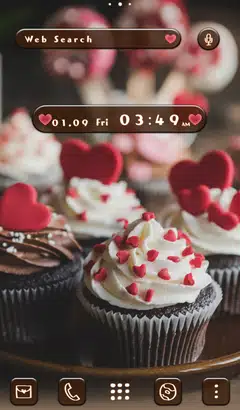
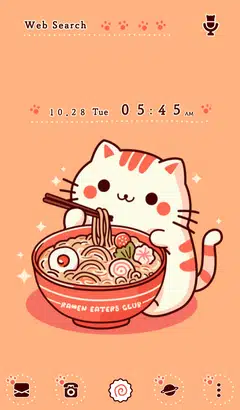
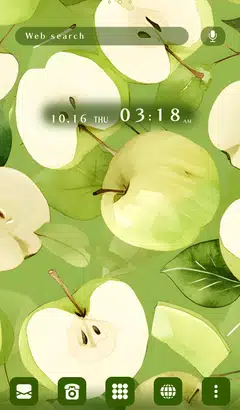
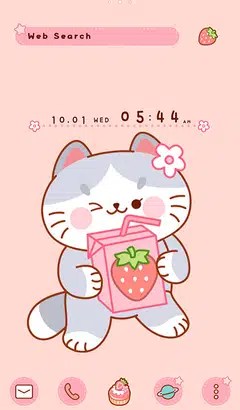

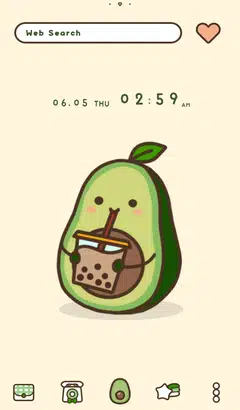


+HOME Recommended Popular Ranking
+HOME Special Features List.
-
🧋 Tapioca Special 🧋
Cute bears and cats drinking tapioca drinks are waiting for your smartphone! A handsome pop design to add color to your phone!
-
💞 Simple Heart Theme Special Feature 💞
Simple hearts to brighten up your smartphone! Get your hands on an adorable and sophisticated screen with this custom theme 💞
-
🏵 Higanbana Theme Special Feature 🏵
Feel autumn's magic on your smartphone! Beautify your screen with higanbana and autumn foliage themes 🍁
-
🟡 Yellow Theme Special 🟡
Make your smartphone shine with the vitamin color yellow! Add color to your days with the energetic Kisekae theme feature!
-
💎 Special Birthstones from July to December 💎
The theme of the birthstones from July to December is the theme of Kisekae! Which gemstone will color your birth month? 💎✨
-
💛 Pastel Yellow Theme Special 💛
Give your device a fresh new look! Enjoy a happy home screen every day with this refreshing pastel yellow theme 💛
-
💎 Special Birthstones for January - June 💎
A special smartphone kisekae feature on the birthstones from January to June! Which gemstone adorns your birth month?
-
🐿️ Autumn Animal Theme Special 🐿️
Feel autumn's animals on your smartphone! Decorate your screen with soothing dress-up themes featuring long-tailed tits, squirrels, rabbits, and more! 🐿️
-
🌙 A crescent moon theme feature that invites you to a dreamy night. 🌙
🌙We have collected themes with fantastic and romantic designs that combine the crescent moon, which signals the beginning of the night, with twinkling stars.
-
😼 Attractive with a unique look! Unique Face Feature: ☺️
We have collected face designs with unique and playful expressions such as 😉 winking face, surprised face, troubled face, etc. 😉
-
️◼️ Dark Color Theme Special Feature️ ◼️
Supreme beauty blooming in the darkness. Indulge now in a sophisticated display where the profound cosmos and flowers perform together, featuring eye-soothing dark-colored roses and a galaxy-themed customization🌌
-
😌 Themes of Peacefulness Feature ✨
Summer peace of mind with your phone! Spend your days in a relaxing kisekae theme feature that will enrich your mind😌
-
🔷 Refreshing Cumulus Cloud Theme Feature 🔷
Sparkling blue skies, white cumulus clouds! Refresh your mood with a summer sky theme for your smartphone ✨
-
🪽 featuring cute and elegant feather motifs 🕊️
Enjoy your smartphone with attractive feather designs! Discover the inspiring and beautiful designs of feather motifs 💖
-
🍎Feng Shui Motif Theme Special Feature 💖
Bring good luck with the Mahou screen! Boost your fortune with an apple and heart cat motif theme!?💰
-
⛄ Snowman Wallpaper Feature ⛄
Winter-themed free wallpapers and icons featuring snowmen ♪ Customize your Android and enjoy winter even more!
-
🌼 Stylish Pattern Theme Special Feature 🎀
Get the latest trends to brighten up your smartphone! Get a sophisticated, cute-yet-mature home screen right now with checkered patterns, stylish floral designs, and other custom themes! 🌼
-
😸 Cute Animals and Food Theme Special 🍜
Feel cozy on your smartphone screen! Enjoy heartwarming moments with animals munching on food 😋
-
🐻 Brown Color Theme Special Feature 🐻
Feel autumn's warmth on your smartphone! Create a soothing screen with brown-themed skins featuring bears and autumn leaves 🍂
-
🍓 Fresh Strawberry Theme Special 🍓
Bring juicy fruit to your phone! Enjoy a sweet and tangy home screen adorned with bright red berries every day with this fresh strawberry theme🍓
List of How to Use +HOME
-
About the Home Screen
-
Let's Change the Theme
-
How to Use the Drawer (App List)
-
Mastering the Home Screen
-
About the Iconpacks
-
How to Change Home Screen Icons Individually
-
How to Change Home Screen Icons All at Once
-
How to Change Home Screen Icons with Your Favorite Images
-
How to change home screen icon size