



Colorful Theme: How to Customize Your Home Screen with 24 Options for Android
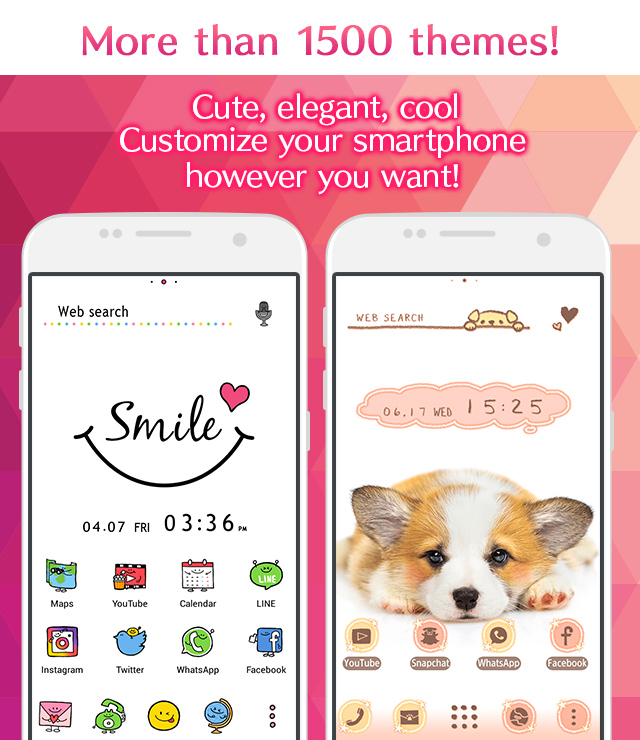
Easy ways to customize your Android home screen with the Colorful theme! If you find a home screen customization that suits your taste from the many themes available, you can use the popular smartphone customization app +HOME to apply the Colorful arrangement to your home screen with high-quality wallpapers, icons, clock widgets, and search widgets, all for free.
Download +HOME, the App You Need for Colorful Customization!
c<p>With +HOME, the popular smartphone customization app, you can completely customize your smartphone's home screen to a Colorful theme for free! Easily set wallpapers, icons, clock widgets, and search widgets!
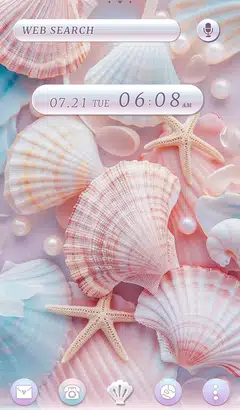





+HOME Recommended Popular Ranking
+HOME Special Features List.
-
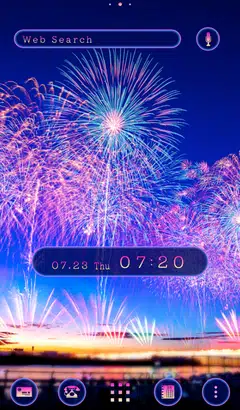
🎇 Summer Fireworks Theme Special 🎇
Beautiful fireworks color the night sky! Introducing a special feature on designs with fireworks motifs to glamorously decorate your phone 🎇
-
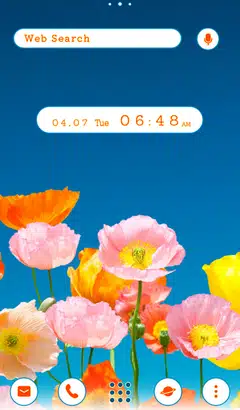
🌹 Beautiful Flowers Theme Feature 🌼
A noble rose blooming on your smartphone! Dress up your screen elegantly and gorgeously with floral themes🌹
-
☕ Cozy Special ☕
Relaxation time you can feel on your phone! A variety of stylish and relaxing designs!
-
❄️ Snowflake Theme Special Feature ❄️
Winter art sparkles on your smartphone! Create a fantastical, crystal-clear display with a snowflake theme featuring intricate ice emblems.❄️
-
🌸 Pink Theme Special 🌸
Make your smartphone more cute with pink Kisekae! Introducing a variety of Kisekae themes from elegant to pop!
-
💕 Check Pattern Theme Special 💕
Enjoy autumn plaid on your smartphone! Savor traditional, casual, and various styles with dress-up themes ☺️
-
☔ Special Feature: The Rainy Season and Hydrangeas ☔
Transform your phone with beautiful hydrangea wallpapers and relaxing rainy season aesthetic themes.☔
-
💛 Cute pastel colors featured 💜
A soothing space with pastel-colored smartphone kisekae. Relax and add cuteness with softly colored wallpaper.
-
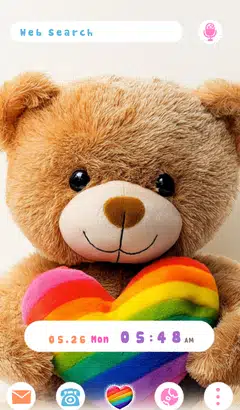
🐻 Brown Color Theme Special Feature 🐻
Feel autumn's warmth on your smartphone! Create a soothing screen with brown-themed skins featuring bears and autumn leaves 🍂
-
🦜 Cute Birds Special 🦜
Feature on bird motifs to decorate your smartphone standby screen in a cute way! Adorable designs will soothe your heart.
-
🎵 Music Theme Special 🎵
Enjoy the world of music on your smartphone! Decorate your screen with rhythm using cassette tape and headphone themes🎵
-
💐 Nemophila and Spring Flowers Special Feature 💐
Capture the blue carpet blanketing the hills on your smartphone! With themes featuring nemophila and vibrant flowers, fill your screen with sweeping vistas that seem to merge with the sky and the fresh breath of spring 💐
-
💜 Special Feature: Scenes with Wisteria Trellises and Flowers 💜
Get the most dramatic home screen, adorned with elegant Japanese charm and beautiful colors, featuring a theme of enchanting wisteria trellises and regal flowers 💜
-
☕ Alice in Wonderland Special ♣
Alice in Wonderland smartphone dress-up brings fantasy into your daily life! Full of unique designs!
-
🌞 Fresh sky special. 🌞
A special feature of smartphone kisekae with a refreshing sky theme! Let's enjoy a comfortable everyday life with soothing wallpapers♪
-
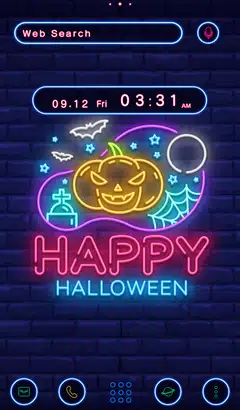
🎃 Halloween Theme Special 🎃
Get ready to enjoy the Halloween atmosphere with a variety of free wallpapers, free skins, and free themes! With spooky and captivating designs, transform your device into a witch's lair or a haunted house. Stylish jack-o'-lanterns, bats, ghosts, and wallpapers in Halloween colors of purple and orange are waiting for you.
-
🌸 Clip art of cherry blossom 🌸
Make your smartphone standby attractive with an illustration of cherry blossoms, the symbol of spring! Why don't you enjoy spring with a heart-fluttering design?
-
🎄 Christmas Theme 2025 🎄
Transform your smartphone screen into holiday mode! Fill your screen with the glow of the holy night with our Christmas theme! 🎅
-
☎ Recommended Themes for Model Changes Special ☎
The best for your new phone! Selected easy-to-use Kisekae themes recommended when changing to a Google Pixel or Galaxy phone!
-
🐈⬛ Cute Black Cat Theme Special 🐈⬛
A black cat that brings happiness comes to your smartphone! Feel a moment of peace with this adorable black cat theme🐈⬛
List of How to Use +HOME
-
About the Home Screen
-
Let's Change the Theme
-
How to Use the Drawer (App List)
-
Mastering the Home Screen
-
About the Iconpacks
-
How to Change Home Screen Icons Individually
-
How to Change Home Screen Icons All at Once
-
How to Change Home Screen Icons with Your Favorite Images
-
How to change home screen icon size