



Popular Fantasy Themes Ranking for +HOME (Plus Home) <20 Selected For Android>
Introducing a recommended Fantasy theme that's popular in the popular smartphone customization app '+HOME'!
If you find a customization theme for your home screen that matches your preferences from the popular themes chosen by everyone, you can easily change it in the '+HOME' app! You can completely customize your home screen with high-quality wallpapers, icons, clock widgets, and search widgets featuring Fantasy arrangements—all for free.
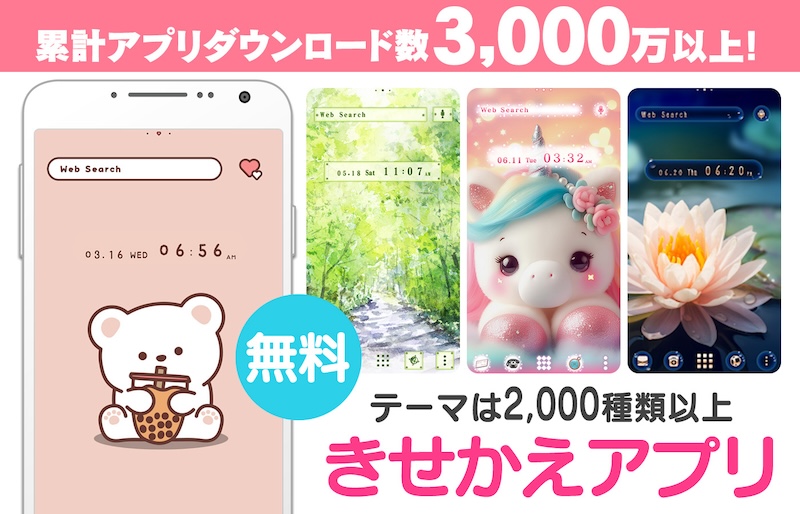
Let's download the app '+HOME' needed for Fantasy-style customization!
With the popular smartphone home customization app '+HOME', you can easily change your smartphone to a cute Fantasy-themed home screen for free! Set up wallpapers, icons, clock widgets, and search widgets effortlessly!
Popular Fantasy Theme Rankings: 20 Selection

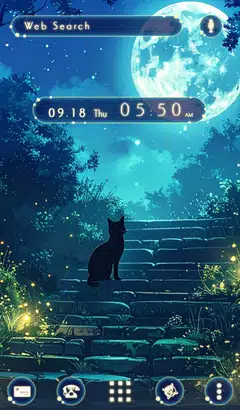
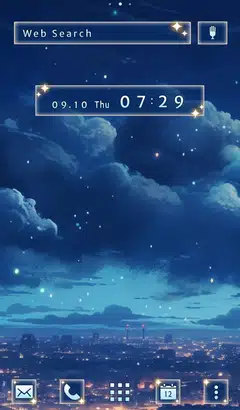


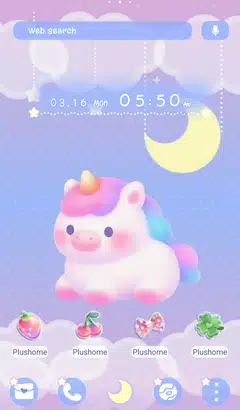

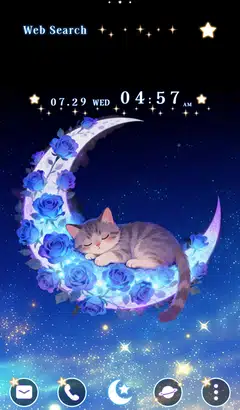
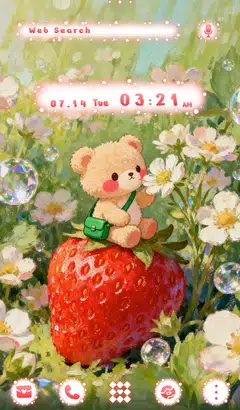
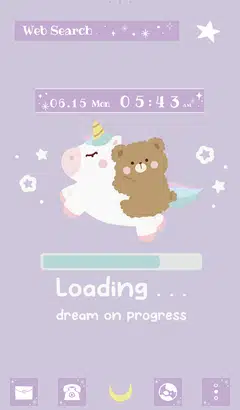
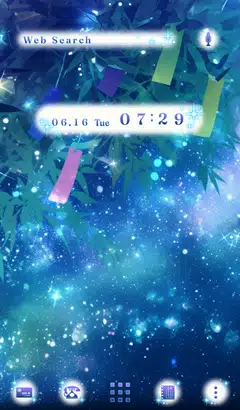
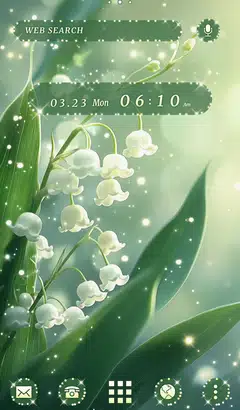
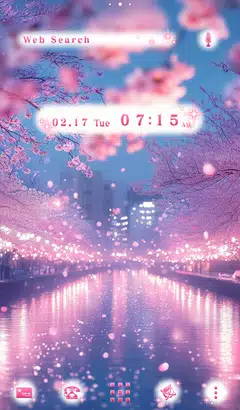

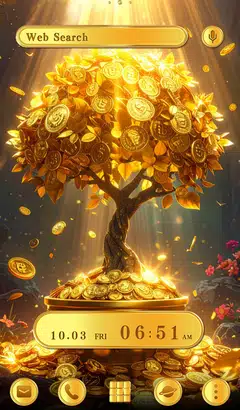
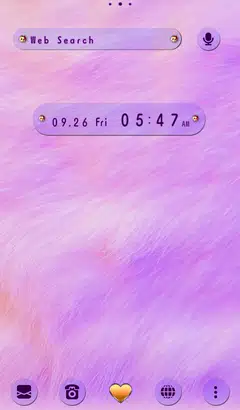
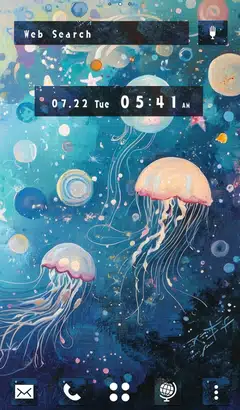

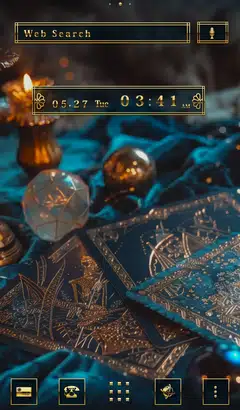
+HOME Recommended Popularity Ranking
+HOME Special Features List.
-
🧋 Tapioca Special 🧋
Cute bears and cats drinking tapioca drinks are waiting for your smartphone! A handsome pop design to add color to your phone!
-
🥪 Picnic and Nature Special 🌳
Feel the open-air vibe right on your screen! With this theme inspired by picnics and nature, enjoy a supremely cozy home screen bathed in soft sunlight and blue skies—and turn your everyday life into a lighthearted adventure! 🥪
-
🌞 Fresh sky special. 🌞
A special feature of smartphone kisekae with a refreshing sky theme! Let's enjoy a comfortable everyday life with soothing wallpapers♪
-
🎇 Fireworks Lighting Up the Night Sky Theme Feature 🎇
Fireworks lighting up the night sky! Transform your phone's theme into a fantastical and dazzling display 🎇
-
🐥 The Eurasian nuthatch Theme Feature 🐥
A cute theme featuring a motif of the adorable snow fairy Eurasian nuthatch♪ Enjoy a healing mobile life with cute illustrations and photos♪
-
☎ Recommended Themes for Model Changes Special ☎
The best for your new phone! Selected easy-to-use Kisekae themes recommended when changing to a Google Pixel or Galaxy phone!
-
⬛ Stylish Guys' Monochrome Theme Special Feature ⬛
Show off your monochrome world on your smartphone! Express your style with sophisticated wallpaper themes perfect for fashionable guys 💁♂️
-
💕 Check Pattern Theme Special 💕
Enjoy autumn plaid on your smartphone! Savor traditional, casual, and various styles with dress-up themes ☺️
-
🕯️ Spooky Halloween Theme Special 🎃
Enjoy a spooky night on your smartphone! Create horror and dark screens with Halloween theme packs 🎃
-
🏯 The Kanji Archive 🏯
Upgrade your aesthetic with our massive collection of Kanji wallpapers. Whether you’re looking for bold brushstrokes or sleek modern typography, we’ve gathered the most iconic Japanese symbols in one place.
-
🍧 Pop Ice theme feature 🍧
Decorate your phone with pop ice cream designs that feel like summer! Check out our refreshing specials🍧😋.
-
🌻 Summer Flower Theme Special 🌺
Decorate your phone with summer flowers! We bring you a Kisekae feature with sunflowers, lotus, and hibiscus-themed designs🌻
-
🎵 Music Theme Special 🎵
Enjoy the world of music on your smartphone! Decorate your screen with rhythm using cassette tape and headphone themes🎵
-
🍰 Strawberry Shortcake Theme Special Feature 🍰
Indulge in sweet temptation on your smartphone! Transform your screen into a delicious dessert paradise with this shortcake theme🍓
-
🌊 Ukiyoe Special 🗻
Featuring smartphone standby screens with ukiyoe designs that convey the beauty of Japan! Traditional designs bring Japanese charm to your daily life.
-
🌱 Featured fresh new greenery 🌱
Dye your phone with a new green color! Peace of mind with a green dress-up theme that's easy on the eyes and relaxing... ♪
-
🐱 Special Clip art of cat 🐱
Let's dress up your smartphone with cute cat illustrations! Find your favorite cat!
-
💎 Special Birthstones for January - June 💎
A special smartphone kisekae feature on the birthstones from January to June! Which gemstone adorns your birth month?
-
🌊Summer Sea Theme Special🌊
Decorate your smartphone with beach scenes that feel like summer! We bring you a Kisekae theme feature that will make you feel the charm of the sea⛱️
-
🦜 Cute Birds Special 🦜
Feature on bird motifs to decorate your smartphone standby screen in a cute way! Adorable designs will soothe your heart.
List of How to Use +HOME
-
About the Home Screen
-
Let's Change the Theme
-
How to Use the Drawer (App List)
-
Mastering the Home Screen
-
About the Iconpacks
-
How to Change Home Screen Icons Individually
-
How to Change Home Screen Icons All at Once
-
How to Change Home Screen Icons with Your Favorite Images
-
How to change home screen icon size